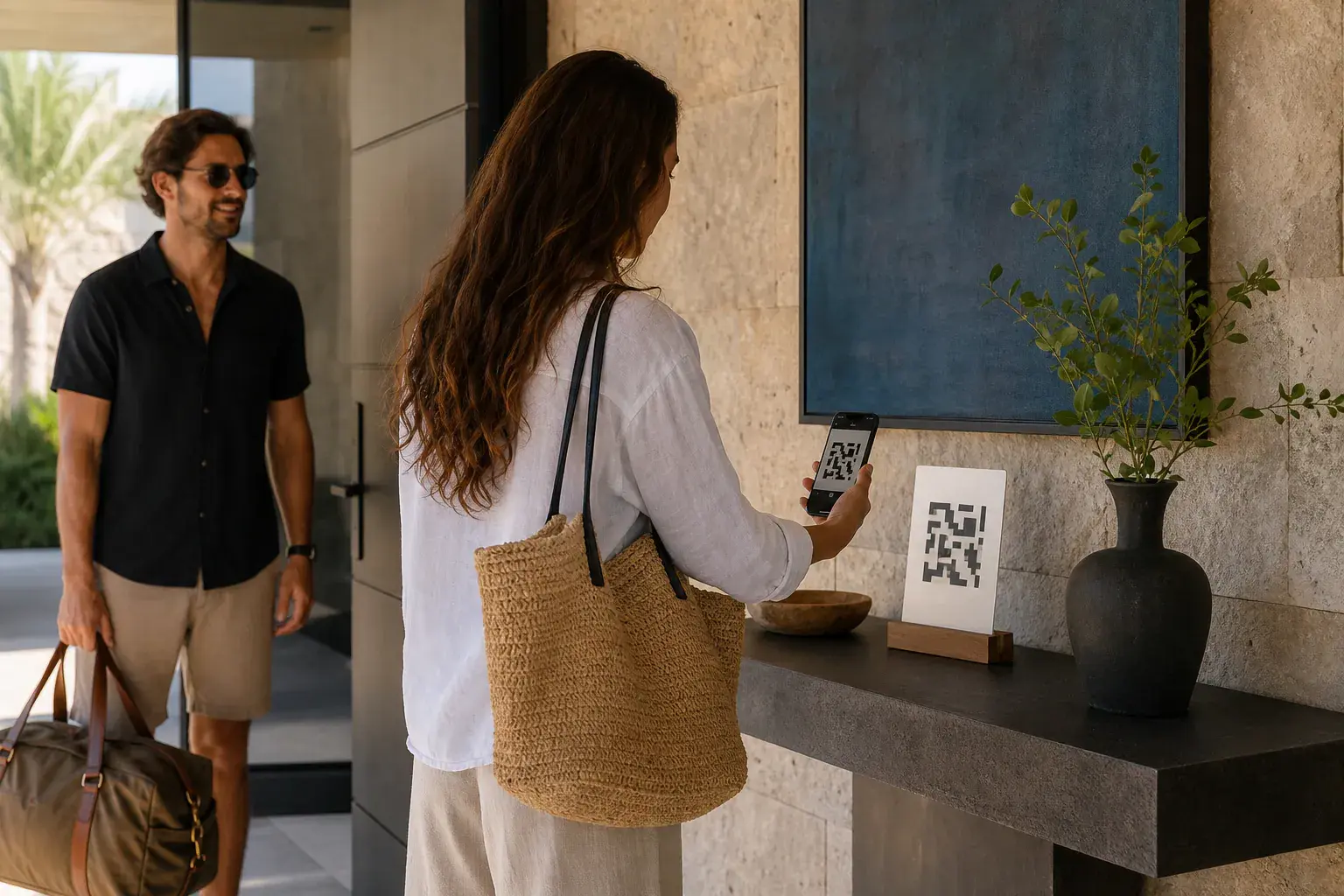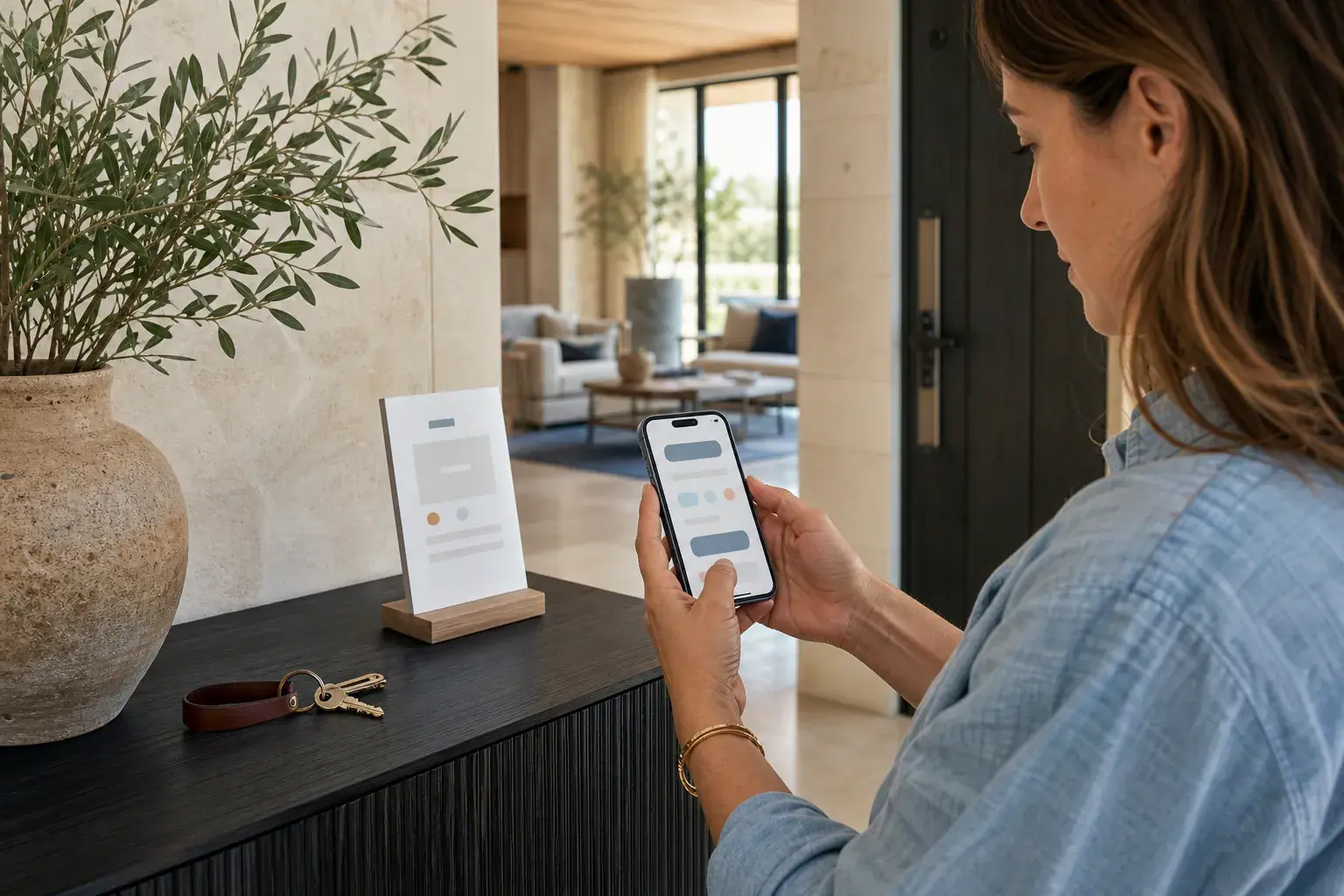
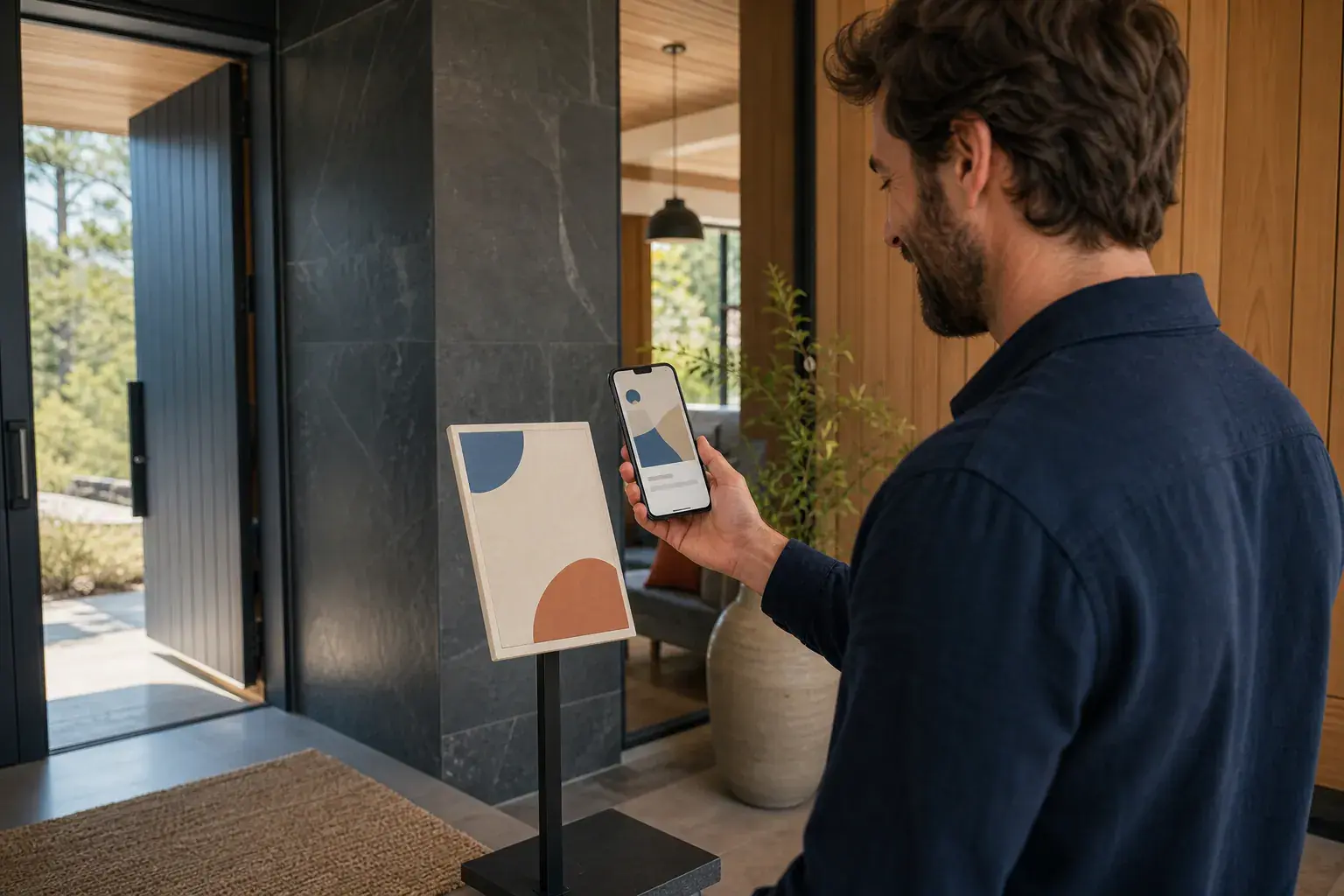
A QR guestbook works when the guest path feels obvious. A card in the home invites guests to scan. Their camera opens the journal in the browser. From there, they can begin a page while the stay is still fresh in their mind.
The page is not a form disguised as a guestbook. It is a small space for a story, a photo, a recommendation, or whatever the guest wants the home to remember.
No app, no account, no awkward handoff
Guests do not need an app or an account to make a page. StayPage creates a private edit link that can move between browsers, so a draft belongs to the person holding that link without asking them to sign up.
Hosts can place the card where it makes sense, add an optional PIN, and rotate the QR code if the card ever ends up beyond the people who stayed in the home.
A page only goes public when it should
Guests publish their own finished page. Hosts can use instant publishing for a relaxed home or approval mode when they want to review each page before it joins the public journal.
Once published, a page becomes part of the home story. It can be read in the yearly journal, shared with future guests, or hidden by the host when needed.
The guest journal for vacation rentals
Give guests a page. Give the home a story that stays.
Start your journal↗Read the complete journal guide