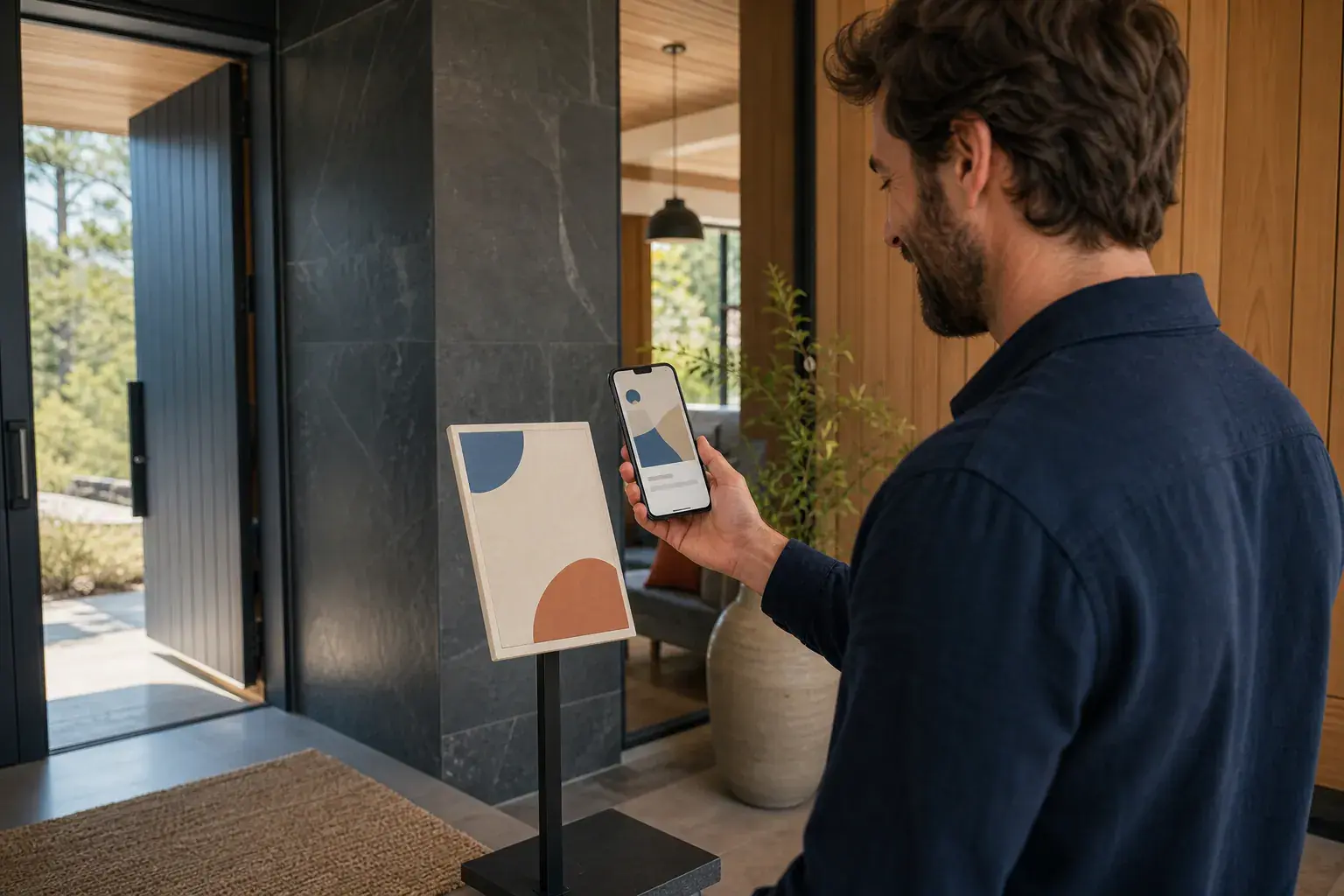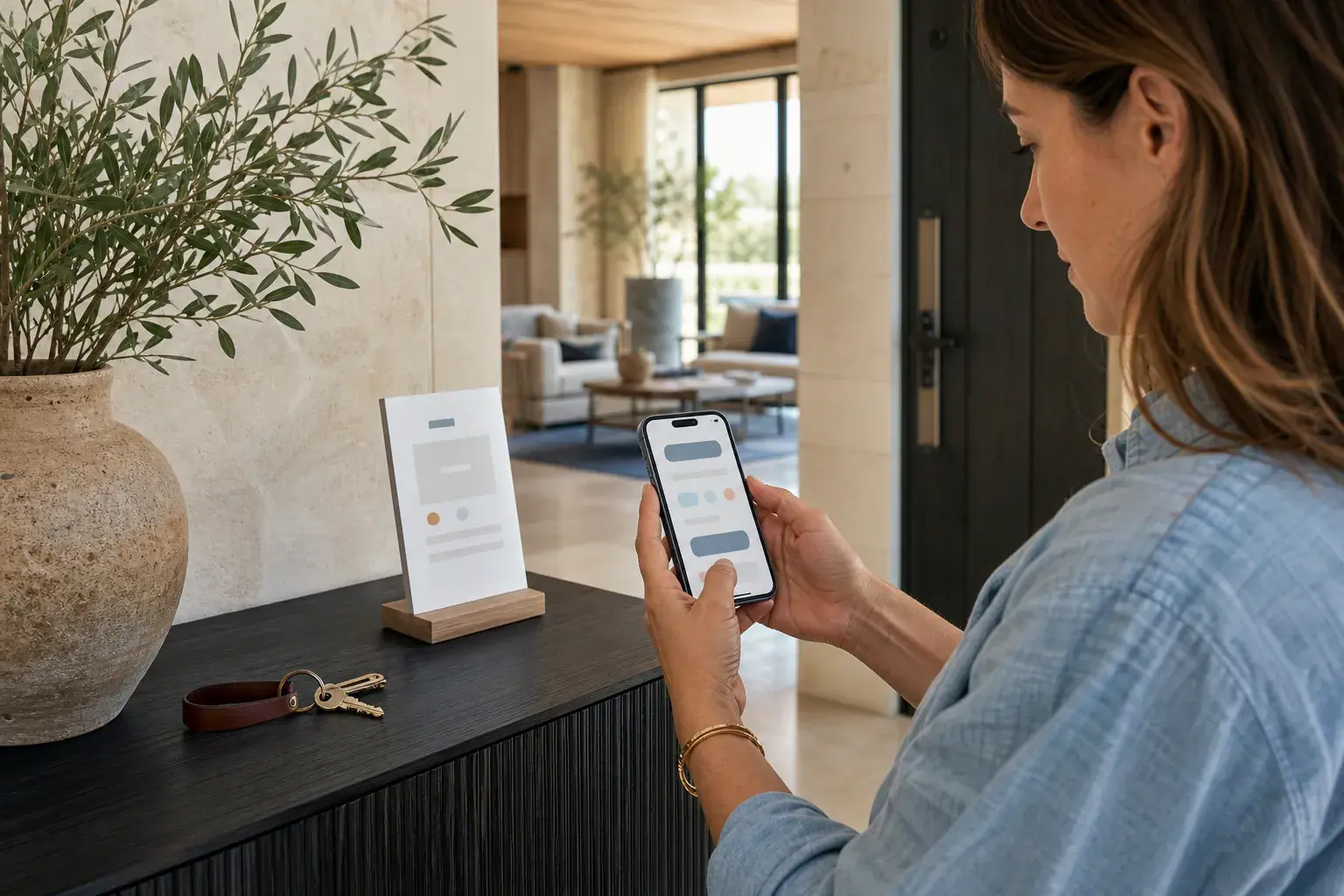
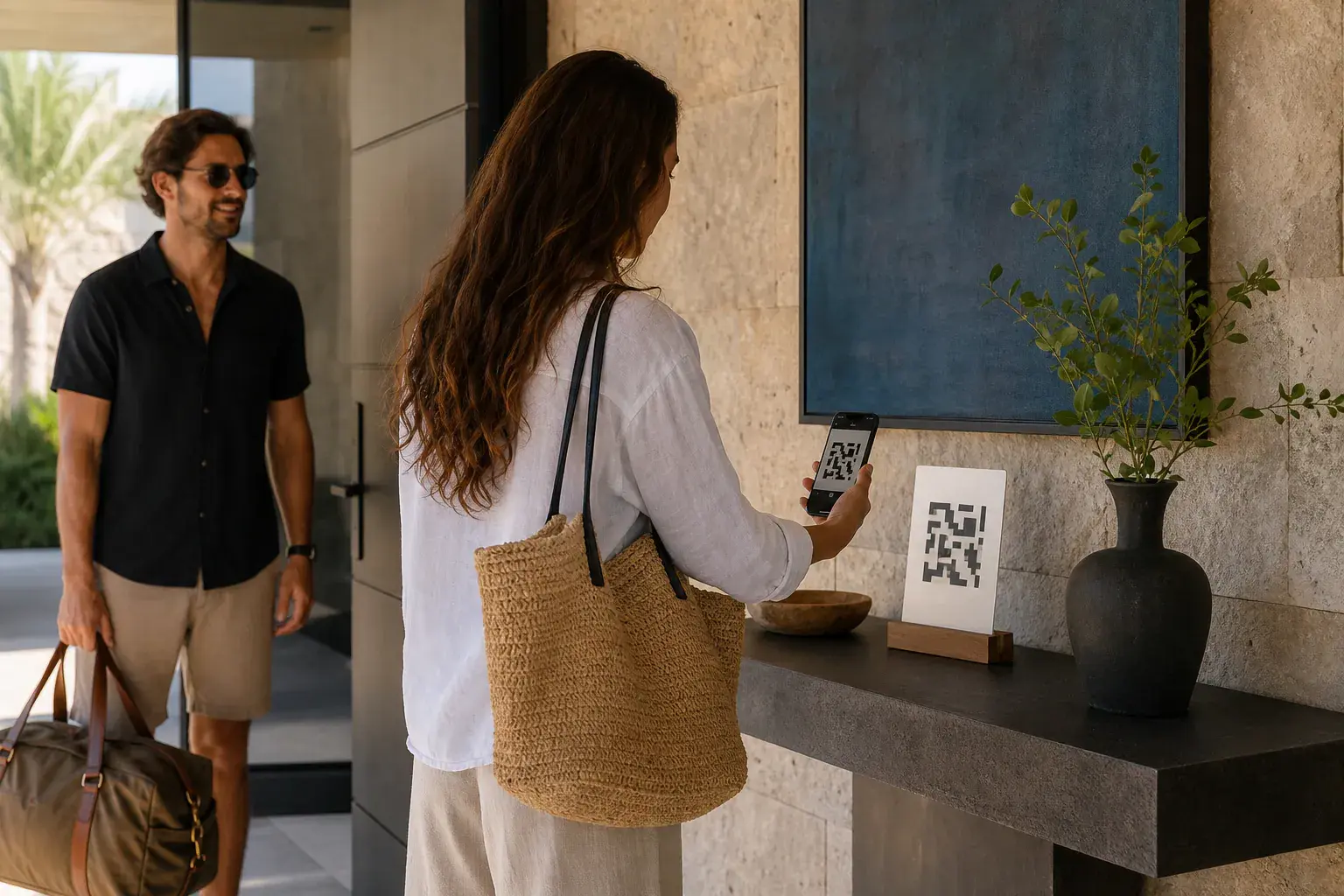
A QR code guestbook should feel simpler than a paper book, not more technical. Guests should be able to point their camera, understand what they are being invited to do, and start writing without a login screen in the way.
That is why placement and wording matter as much as the code itself. The card is not a utility label. It is a small invitation to leave something behind for the home and the people who visit next.
Start with one clear invitation
Use a simple line near the code: "Leave your page in our story" or "What will you remember from this stay?" It tells guests that the code is for a memory, not another house manual.
Give the card a physical home. Put it by the door, in a welcome binder, or on the counter where guests naturally linger near the end of their stay.
Keep the guest path short
The page should open in the browser and let guests begin immediately. StayPage does not ask guests to install an app or create an account. They can write a story, add a photo or recommendation, and publish when they are ready.
For a little extra privacy, hosts can add a guest PIN to the printed card. The PIN stays with the people who have actually been in the home without making the experience feel like a password reset.
Keep control without making the guest feel watched
A good QR guestbook gives hosts useful control in the background. You can choose instant publishing or approval mode for each home, rotate a code if it travels beyond your guests, and hide a page when you need to.
The guest still gets a warm, direct experience. The host gets a journal that stays orderly and safe to share.
The guest journal for vacation rentals
Give guests a page. Give the home a story that stays.
Start your journal↗Read the complete journal guide